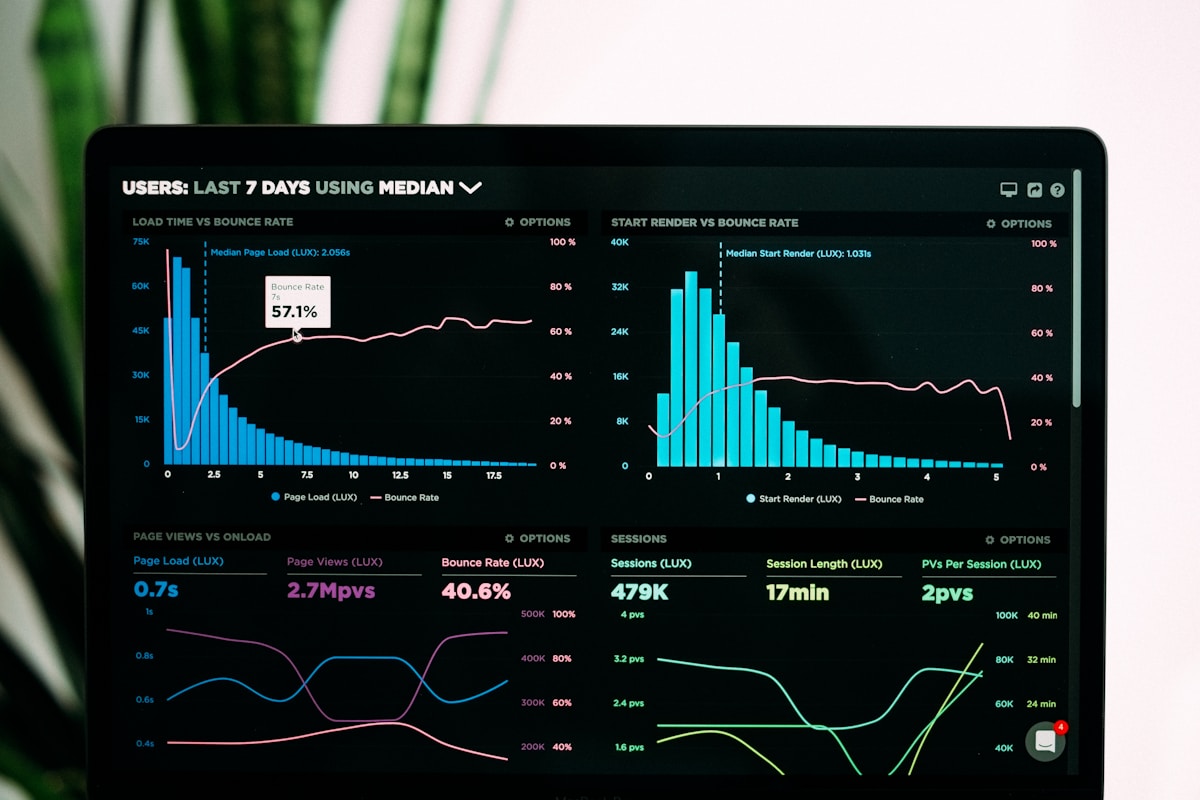
Google Analytics 4: mastering your website data
Why GA4 and not Universal Analytics?
Google closed Universal Analytics on July 1, 2023. Google Analytics 4 (GA4) is the new generation, with a data model based on events rather than sessions. This means a better understanding of the customer journey, better attribution and deeper insights.
1. Installing GA4: the steps
Step 1: Create a GA4 property
- Accédez à analytics.google.com
- Click on "Create a property"
- Name your property (e.g.: "Kreatech Website")
- Choose your timezone (Morocco: UTC+1)
- Accept the terms and create
Step 2: Install the tracking code (Google Tag Manager recommended)
Two approaches:
- Via Google Tag Manager (recommended): More flexible, allows modifications without touching the HTML code
- Directly via HTML code: Simpler, no external dependency
Code to add in the <head> of your HTML:
<script async src="https://www.googletagmanager.com/gtag/js?id=G-XXXXX"></script>
<script>
window.dataLayer = window.dataLayer || [];
function gtag(){dataLayer.push(arguments);}
gtag('js', new Date());
gtag('config', 'G-XXXXX');
</script>
2. The 5 essential metrics to track
🎯 Number of users
The number of unique people who visit your site. Increasing this number means more visibility and potential traffic.
📊 Bounce Rate
Percentage of users who leave your site without performing any action. A high rate (>60%) signals an engagement or relevance problem.
Target: <40% for a well-optimized site.
⏱️ Average session duration
How long users spend on average on your site. The longer, the better (relevant content = engagement).
Benchmark: >2 minutes is very good.
💰 Conversion rate
Percentage of users who complete a key action (purchase, registration, download). This is your final success metric.
Benchmark by industry: 2-5% for e-commerce, 5-10% for services.
🛒 Marketing traffic ROI
Revenue generated by each marketing channel (SEO, Google Ads, social media). Allows you to optimize the marketing budget.
3. Creating a custom dashboard
A dashboard consolidates your key metrics in one place. For GA4:
- Go to "Reports" → "Dashboard"
- Click on "Create a dashboard"
- Add widgets for:
-
- Users (line chart)
- Bounce rate (scorecard)
- Conversion rate (indicator)
- Traffic channels (pie chart)
- Popular pages (table)
4. Custom events: tracking what really matters
GA4 uses events. By default, scroll and clicks are tracked, but you can create custom events:
- Click on CTA "Request a quote"
- E-book download
- Newsletter sign-up
- Video view up to 50%
5. Audit with GA4: questions to ask
Use GA4 to answer these questions:
- Where does my best traffic come from? (Geography, source, channel)
- Which pages are most visited?
- Where do users leave my site? (Exit page)
- What is my real conversion rate?
- How much does a user cost? (CAC)
6. Complementary tools for GA4
- Google Search Console: See the keywords bringing traffic
- Hotjar: Heatmaps and session recordings to see where visitors click
- Semrush: SEO analysis and competitor traffic
- Microsoft Clarity: Free alternative to Hotjar
Conclusion
Google Analytics 4 is a powerful tool for understanding your visitors' behavior. Install it correctly, track the right metrics, and use the data to make optimization decisions.
Data is your competitive advantage. Moroccan websites that master GA4 have an immense advantage in adjusting their strategy and improving their ROI.